
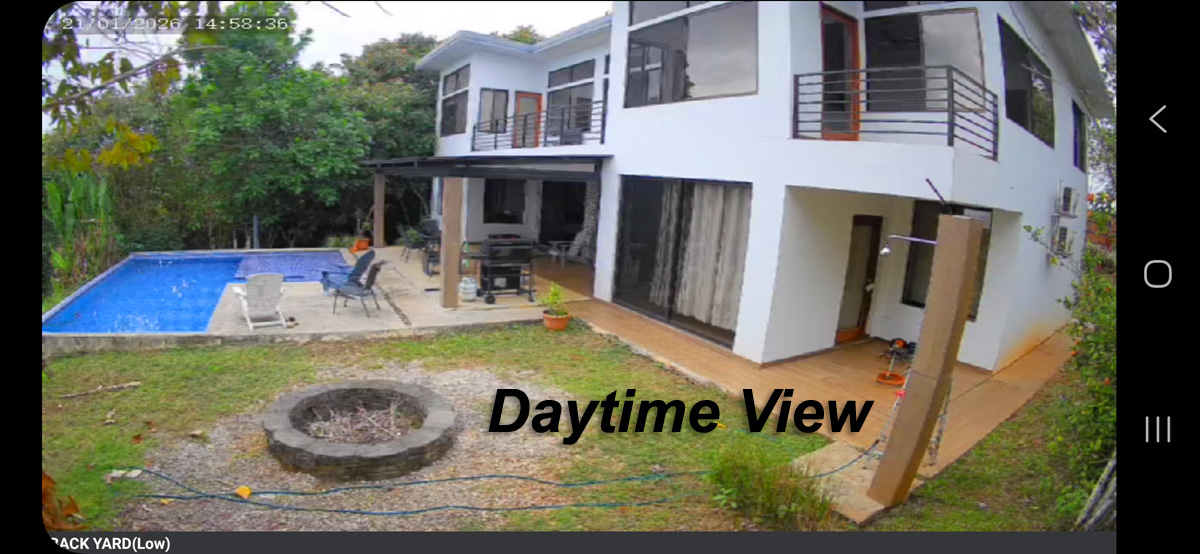
If you’ve looked into securing your home recently, you’ve probably seen the endless ads for smart doorbells and battery-powered stick-up cameras. They promise easy DIY setup, but anyone who has used one through a freezing Ontario winter knows the reality: dead batteries in January, constant false alerts from passing cars, and subscription fees that quietly creep up every year.
When you invest in a proper residential security camera installation, the goal isn’t just to see who left a package on the porch. It’s about building a dependable, hardwired system that records continuously, handles severe weather, and gives you instant mobile access without locking you into monthly contracts.
The Difference Between Consumer DIY and Professional Installation
Most off-the-shelf wireless cameras rely entirely on home Wi-Fi and motion-based recording. If a signal drops or motion detection misses a trigger, you lose the footage. Worse, they only record short clips, so if an incident starts outside the camera’s immediate field of view, you miss crucial context.
A professional setup approaches home security like critical infrastructure:
- Hardwired Power and Data: Every camera connects back to a central hub via heavy-duty Cat6 cabling (Power over Ethernet). No batteries to charge, no dead spots, and no Wi-Fi dropouts.
- Continuous 24/7 Recording: Instead of saving 10-second clips to a third-party server, your system records around the clock directly to a secure local hard drive.
- Zero Subscription Costs: Once your equipment is in place, it’s yours. You keep your footage private on a local Network Video Recorder (NVR) rather than paying a monthly fee just to view past events.
- Built for the Elements: Commercial-grade exterior cameras carry IP67 weather ratings and metal vandal-proof housings designed to operate reliably whether it’s -30°C or +30°C outside.
Key Areas for a Proper Outdoor Security Camera Setup
A thoughtful outdoor security camera setup focuses on coverage quality rather than just sticking cameras everywhere. Placing three or four high-resolution 4K cameras in strategic positions usually yields far better results than scattering cheap cameras around the yard.
Home Security Layout Overview
| Coverage Zone | Strategic Objective |
|---|---|
| Front Driveway & Garages | Captures vehicle license plates, arrival times, and secondary approaches to main house entry points. |
| Side Walkways & Gates | Monitors narrow blind spots often targeted by intruders attempting to access backyards unnoticed. |
| Main Entrances (Front/Back Doors) | Provides clear, eye-level facial detail at front and rear entryways using low-light color vision optics. |
1. The Main Driveway and Approach
Your driveway is your primary perimeter. Positioning a wide-angle 4K camera high on the garage peak gives you a clear line of sight on incoming vehicles and foot traffic before anyone reaches your door.
2. Side Walkways and Blind Spots
Intruders rarely walk up the front path. Narrow side yards between houses or dark paths leading to a backyard gate are classic blind spots that need dedicated lens coverage.
3. Rear Doors and Patios
Back doors and sliding patio glass are frequent entry targets. Cameras installed here should feature low-light sensor technology—often called Starlight or full-color night vision—to capture clear, color video even in near-total darkness without blinding infrared reflections off windows.
Real-Time Protection with Smartphone Security Cameras
Modern local systems give you the exact same convenience as consumer apps, without sending your video to distant cloud servers.
Through secure mobile apps for iOS and Android, your smartphone security cameras let you check in on your property whenever you’re away:
- Instant Motion Alerts: Set custom activity zones (like your driveway or front gate) so you only get pinged when someone actually steps onto your property, ignoring windblown trees or neighborhood street traffic.
- Live High-Bitrate Viewing: Pull up real-time 4K video streams instantly over cellular networks or remote Wi-Fi.
- Simple Video Exporting: If something happens, you can clip a timestamped video file directly on your phone and email it to local authorities or your insurance provider in seconds.
Whether you’re down the street or away on vacation, remote property monitoring keeps you directly connected to your home.
Frequently Asked Questions
If your system is plugged into a simple Uninterruptible Power Supply (UPS) backup battery, your NVR and cameras will keep recording continuously through power outages.
Not when done right. Professional installers route cables through attic spaces, soffits, and interior wall cavities to ensure wiring remains completely hidden and protected from weather or wear.